
Download Auslogics Windows Slimmer – Windows 10, Windows 11, clean up, junk files, system performance, optimize, PC speed, free tool
Overview
Auslogics Windows Slimmer is a lightweight utility designed to help users reclaim storage space and improve system performance on Windows 10 and Windows 11 operating systems. The app targets unnecessary files and redundant applications, offering a streamlined approach to system maintenance without requiring advanced technical knowledge. Its primary purpose is to address common issues such as disk space congestion, slow boot times, and degraded performance due to accumulated digital clutter. This makes it particularly valuable for individuals who rely on their PCs for daily tasks but lack the time or expertise to manually manage system files.
The tool is intended for a broad audience, including home users, students, and professionals seeking a simple, safe way to maintain their devices. While the developer, Auslogics, is known for creating system optimization tools, specific details about the company’s background were not provided. Real-world use cases include preparing a PC for software installation, freeing up space before a system upgrade, or improving responsiveness after prolonged use. In the broader software ecosystem, Auslogics Windows Slimmer fills a niche for lightweight, no-frills cleanup utilities that prioritize safety and simplicity over complex features.
Key Features & Functionality
- Safe File Deletion: The tool uses predefined criteria to identify and remove only non-essential files, minimizing the risk of system instability. This is especially beneficial for users unfamiliar with Windows file structures.
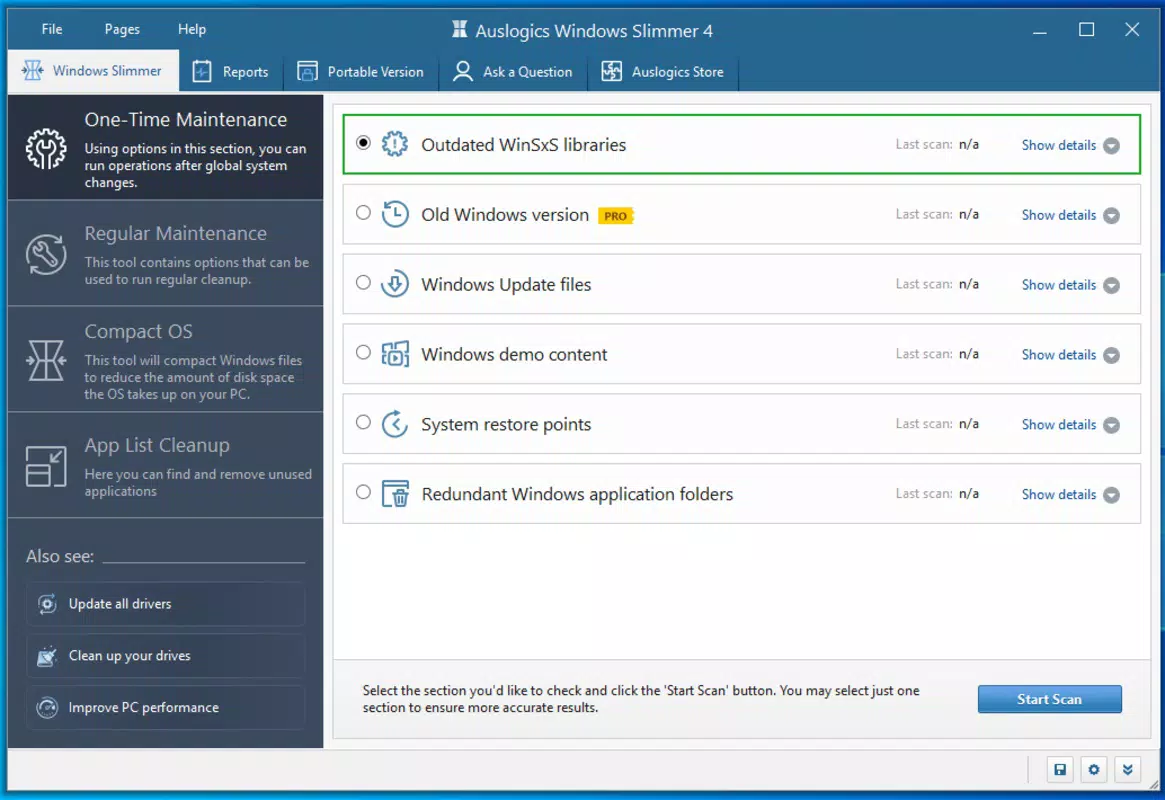
- User-Friendly Interface: The layout is designed for intuitive navigation, allowing users to initiate a cleanup with minimal input. Clear visual indicators guide users through each step.
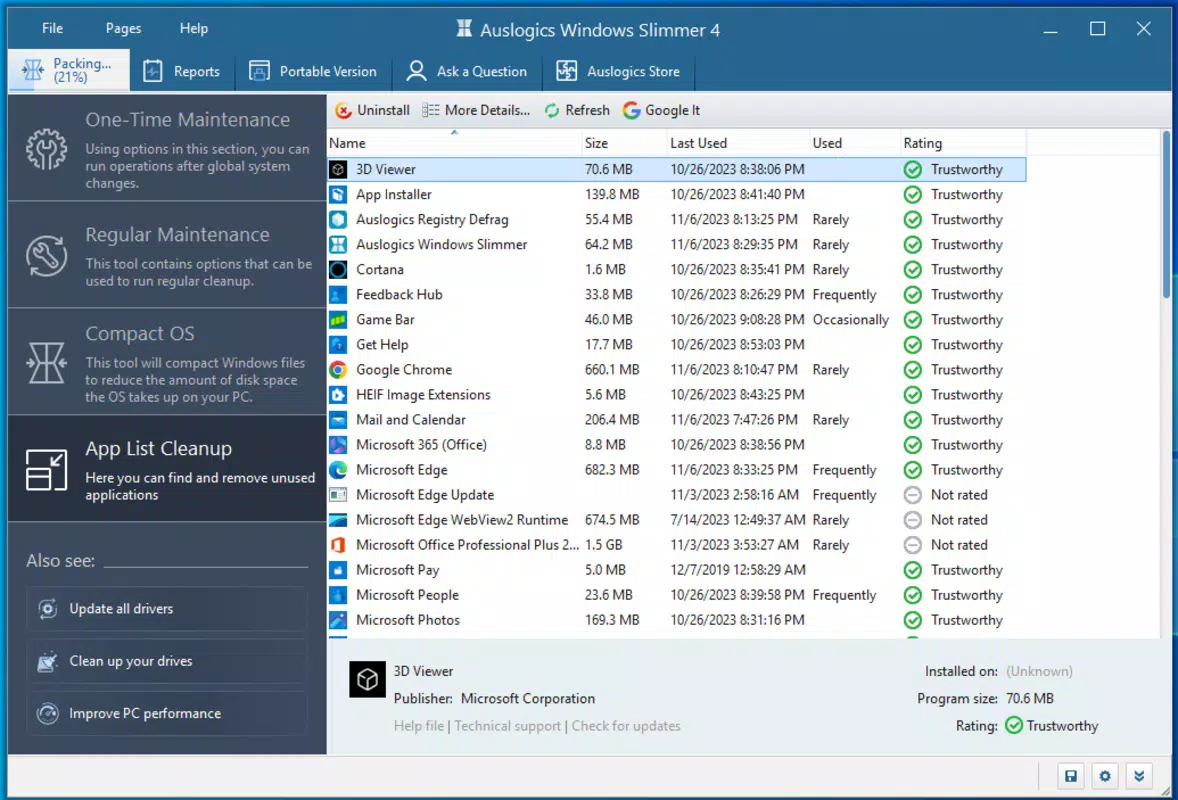
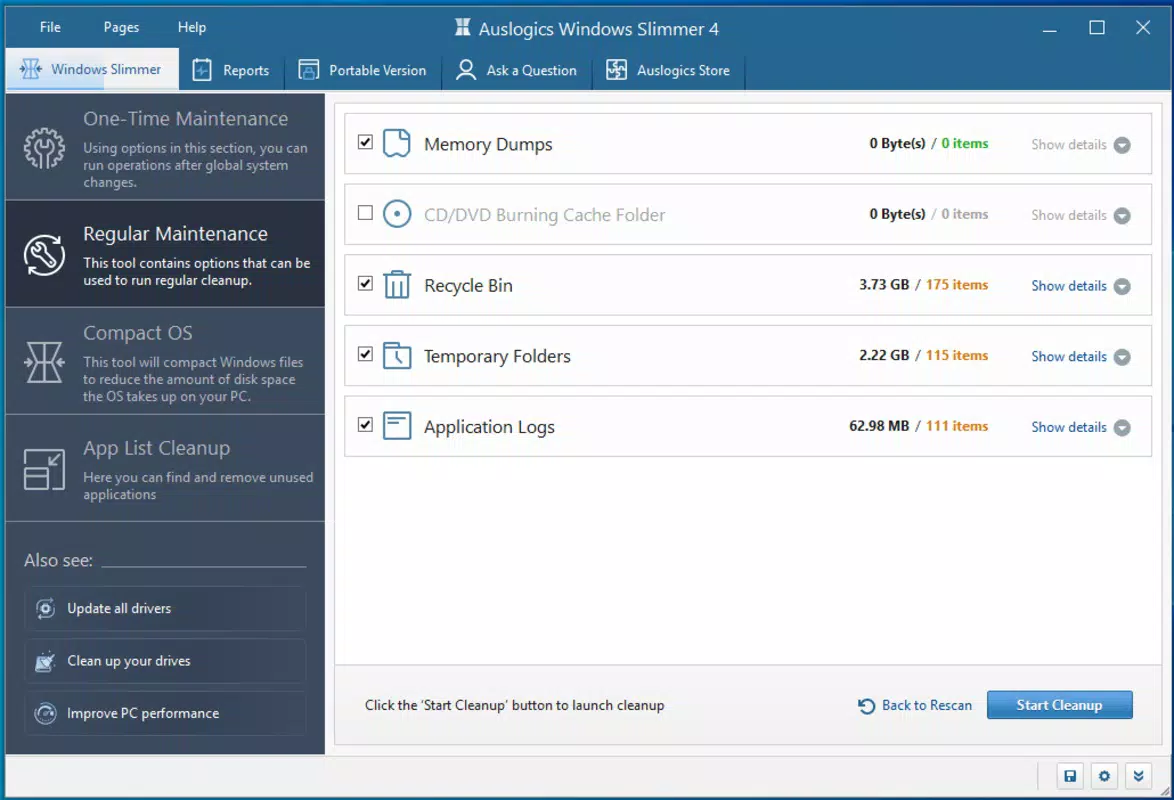
- Performance Improvement: By removing temporary files, cache data, and unused applications, the app contributes to faster system responsiveness and reduced lag during routine operations.
- Comprehensive Cleanup: Users can perform a full system scan or target specific file types, offering flexibility based on individual needs and available disk space.
- Quick Operation: The tool completes scans and cleanups rapidly, requiring minimal user interaction. This efficiency makes it ideal for users seeking immediate results without long wait times.
For example, a student preparing for a major project might use the app to clear temporary files before installing large software. A remote worker could run a quick cleanup to improve startup speed before a video conference. These scenarios highlight how the app’s functionality translates into tangible benefits in everyday computing.
Interface, UX & Performance
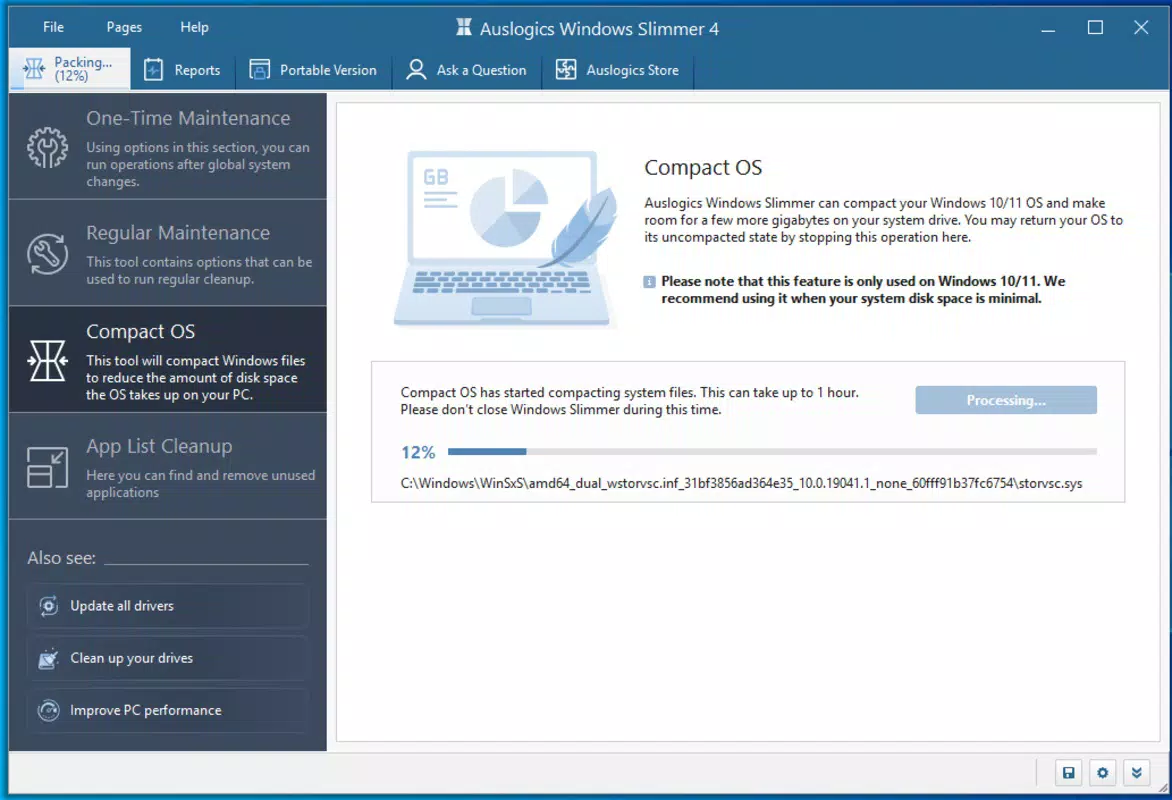
The user interface of Auslogics Windows Slimmer is minimalistic and focused on core functionality. It avoids clutter with a clean layout that emphasizes action buttons and progress indicators. Navigation is linear and predictable, guiding users from scan initiation to cleanup confirmation. The design supports both novice and experienced users by minimizing technical jargon while maintaining transparency in the process.
Although the developer did not list formal performance metrics, the app’s file size of 2.7 MB suggests it is lightweight and optimized for low resource consumption. It is expected to run efficiently on systems with modest hardware specifications. Responsiveness appears to be consistent based on the streamlined operation, with scans completing in a matter of seconds. Stability is implied through the safe deletion mechanism, which avoids system-critical files. However, specific compatibility details across different hardware configurations were not disclosed.
Platform Compatibility & Technical Requirements
Auslogics Windows Slimmer is available for the Windows platform and supports Windows 10 and Windows 11 operating systems. The current version is 1.0.0.2025, with a file size of 2.7 MB. The app is free to download and use, with no cost associated with its operation. The developer did not specify minimum OS requirements or hardware specifications beyond the platform.
Compatibility information was not fully disclosed, so users should exercise caution when installing on older or non-standard configurations. The tool is designed for desktop environments and is not intended for mobile or tablet use. Given its size and purpose, it is likely compatible with systems meeting basic Windows requirements, but this has not been officially confirmed.
Pros and Cons
Pros
- Lightweight application with a small file size of 2.7 MB
- Free to download and use with no hidden costs
- Safe deletion process protects essential system files
- Simple interface suitable for beginners and experienced users
- Fast scan and cleanup operations with minimal user input
Cons
- Developer did not provide detailed system requirements
- Specific compatibility with older Windows versions was not confirmed
- No advanced customization options for experienced users
- Limited information on update frequency and support lifecycle
- Compatibility with non-standard or enterprise environments was not disclosed
FAQ
Is Auslogics Windows Slimmer safe to use?
Yes, the tool is designed with safety mechanisms to prevent the deletion of essential system files. It focuses only on non-essential data such as temporary files and unused applications.
Can I use this tool on Windows 10 and Windows 11?
Yes, the app is compatible with both Windows 10 and Windows 11, as stated in the official release information.
Is the app free to download?
Yes, Auslogics Windows Slimmer is available at no cost. There are no in-app purchases or subscription models.
How often should I run a cleanup?
Users may choose to run the tool periodically, such as monthly, or when experiencing performance slowdowns. The frequency depends on individual usage patterns.
Does the app require administrator privileges?
While the developer did not specify, cleanup tools of this nature typically require elevated permissions to access system directories. It is recommended to run the app as an administrator for optimal results.
Final Thoughts
Auslogics Windows Slimmer presents a straightforward, reliable solution for users aiming to maintain optimal system performance on Windows 10 and Windows 11. Its lightweight design, safe operation, and ease of use make it a strong choice for individuals who want a no-nonsense cleanup tool without the complexity of advanced system utilities. While it lacks deep customization and detailed technical documentation, its core functionality is well-executed and delivers tangible improvements in speed and storage management.
Those who benefit most are casual users, students, and professionals seeking a quick, secure way to free up space and enhance PC responsiveness. For anyone looking to optimize their system with minimal effort, this free tool offers clear value. With its focus on simplicity and safety, it stands out in a crowded category of system maintenance apps.
Download Auslogics Windows Slimmer now


